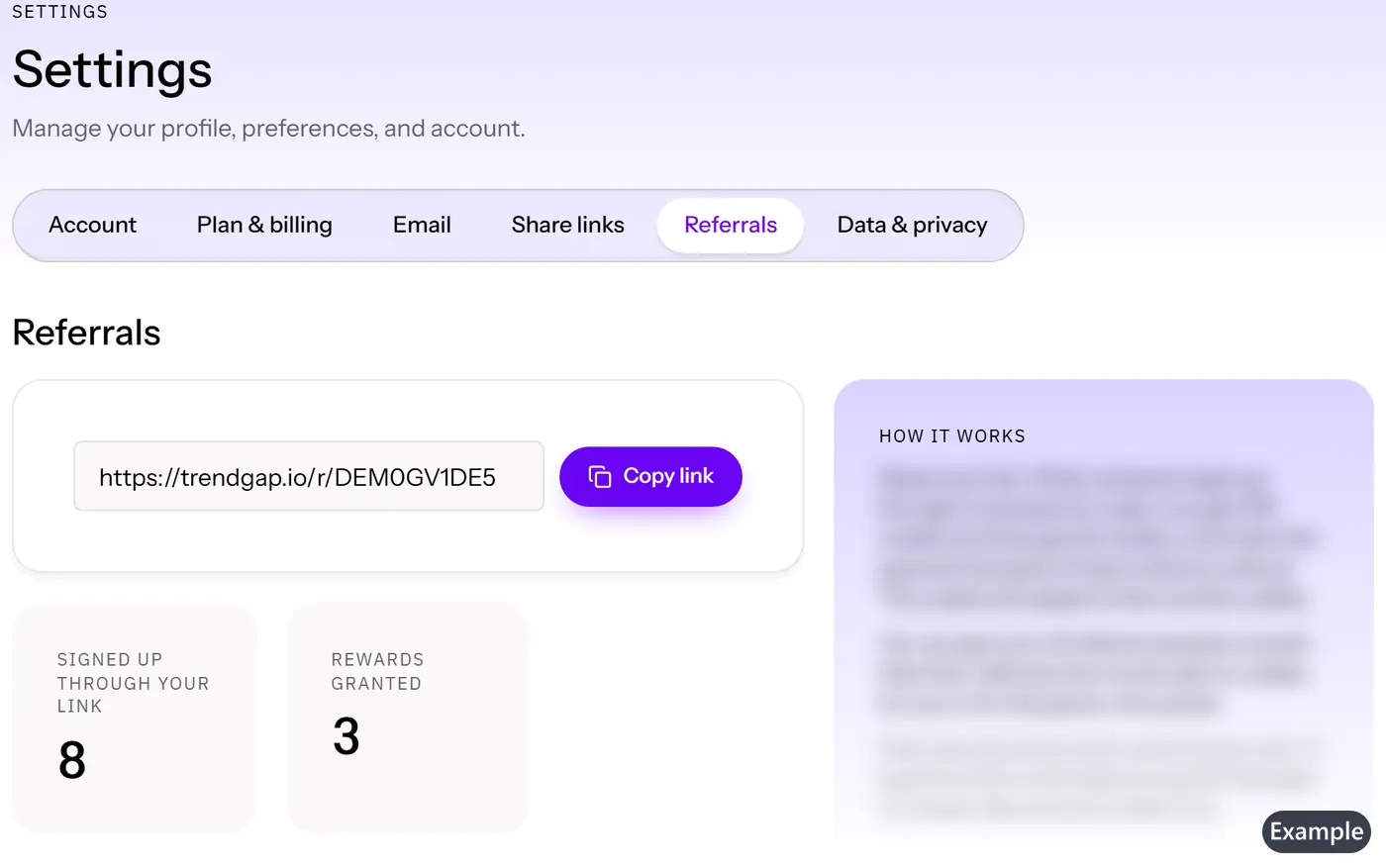
Know someone who would use TrendGap? Invite them with your own link.
Get your link
- Open Settings and the "Referrals" tab.
- Click "Get my link".
- Your link appears in a box. Click "Copy link" and share it.
How it works
- The person opens your link and creates a new account. The sign-up page tells them they were invited by a TrendGap member.
- The invite is saved with their new account, even if they confirm their email on another device. TrendGap sets no cookie for this.
- When they pay for a plan, the reward comes once their first payment goes through. If there is a hold period, that payment must also go that long without a refund.
- When you have the Inbox, a message there says "Referral reward added".
- When they have the Inbox, they see "Welcome reward added" there.
What the reward is
The "How it works" part of the "Referrals" tab shows the current terms. It also says how long the hold is and how many rewards you can get in a month. TrendGap sets these terms and may change them, so the tab is the place to check.
If rewards are paused, the tab says so.
Who counts
- Only new accounts count, and not your own. You can't refer yourself, even with another spelling of your own email address.
- Someone who already had a paid plan doesn't count, and neither does someone who already joined through another link.
- The person has to sign up within a limited time after opening your link.
- A payment that is refunded during the hold gets no reward.
Track your referrals
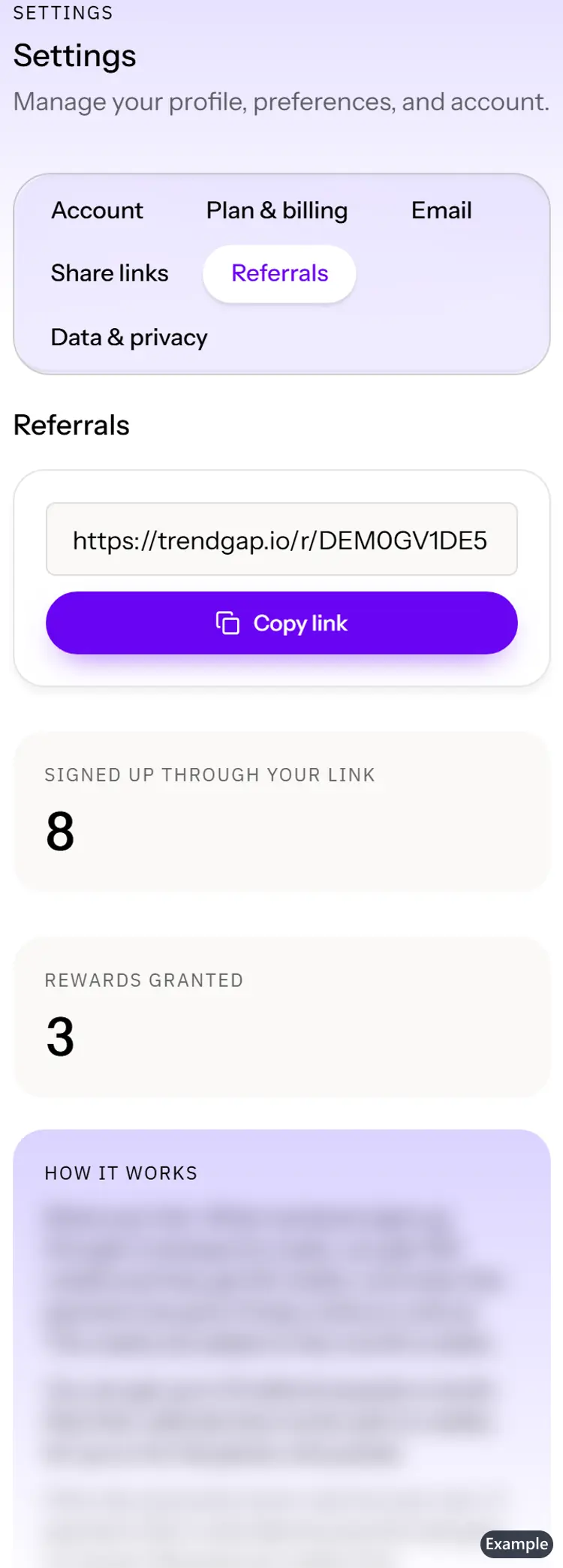
The tab shows three counts: It never shows who signed up. Until someone joins, it says "Nobody has signed up through your link yet."